UI, UX and prototyping of the new digital classroom of the Jewish Museum Berlin
From a fragment to a bigger picture
From a fragment to a bigger picture


01 Context
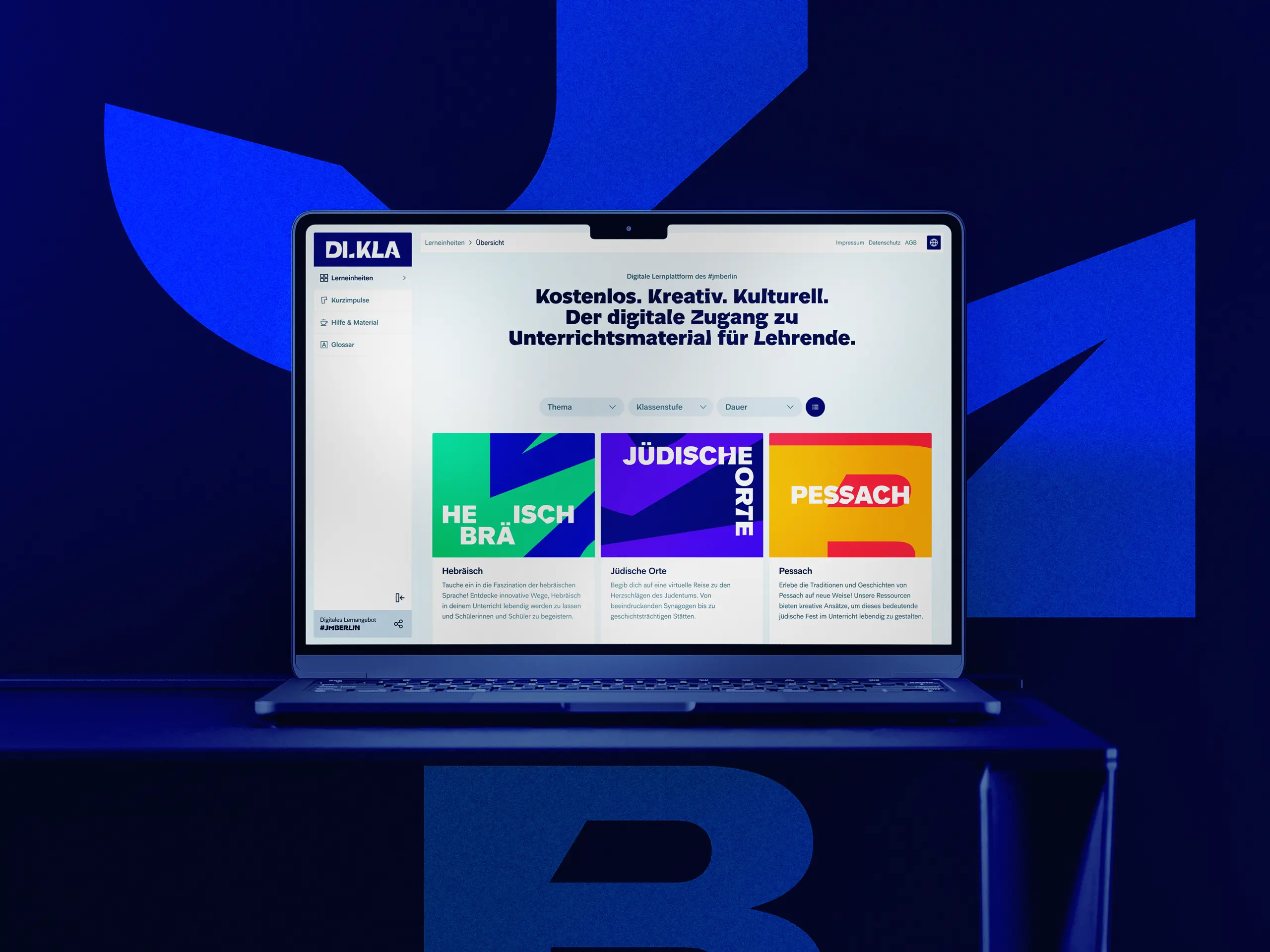
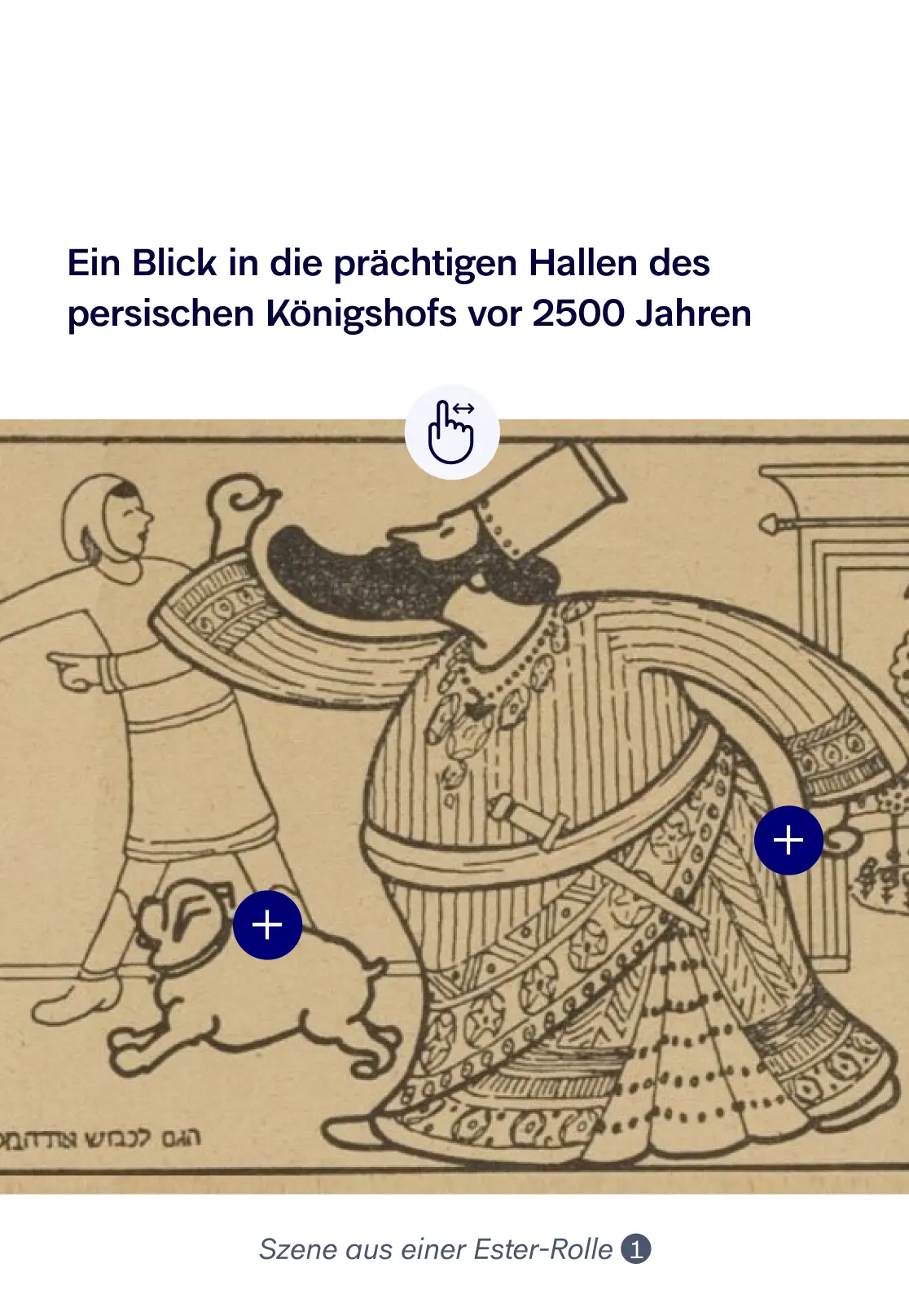
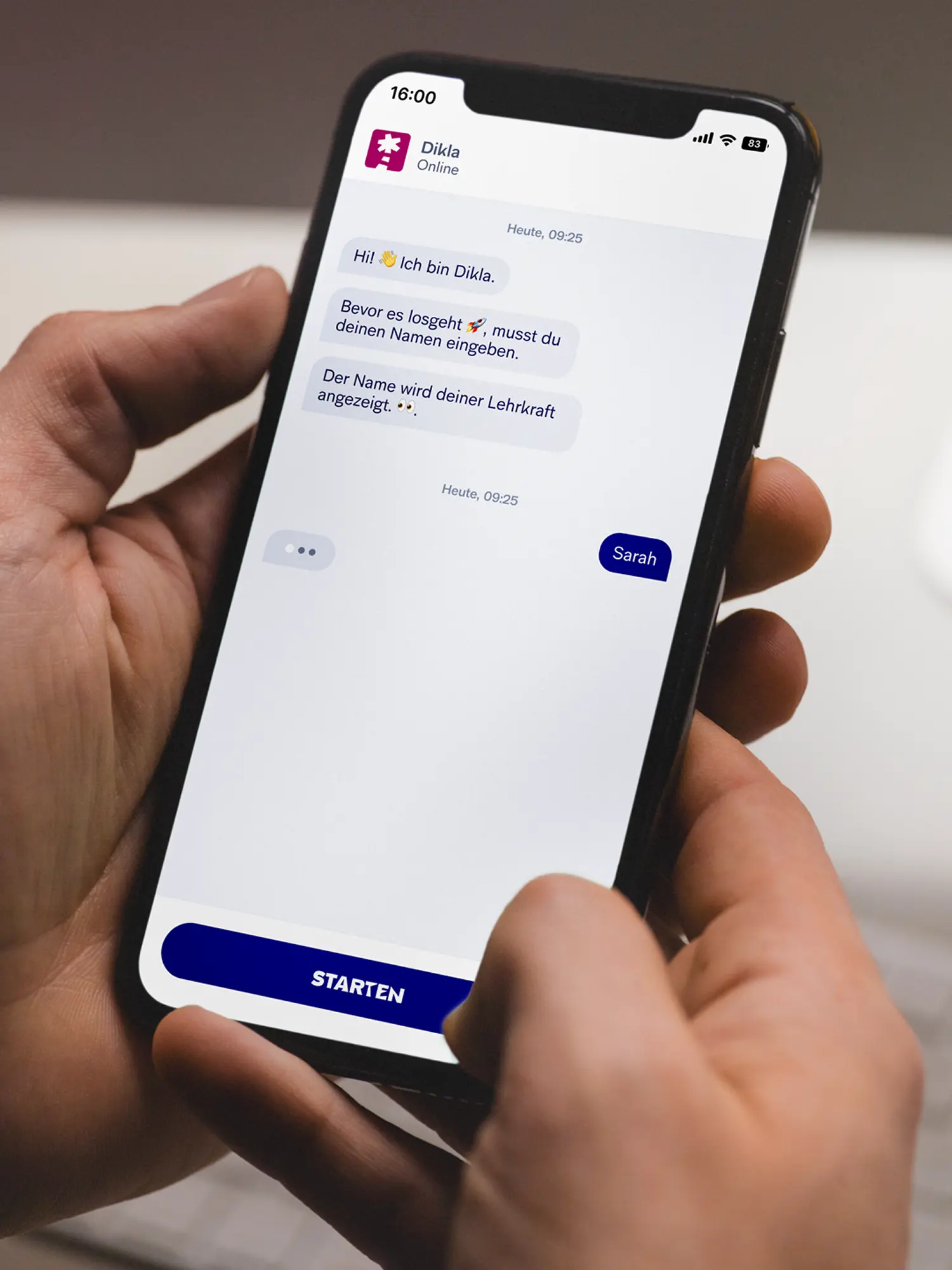
Witnesses fading, antisemitism growing into the classroom, a school day already overloaded: teaching Jewish history and the present is getting harder, not easier. The Jewish Museum Berlin wanted to meet its educational brief also where the museum visit ends. In the lesson itself. From that came DIKLA, the digital classroom: an online learning space that puts finished learning units on Jewish history, culture and the present into teachers' hands. Didactically thought through, available digitally at any time, without an extra hurdle in an already full school day.
02 Method
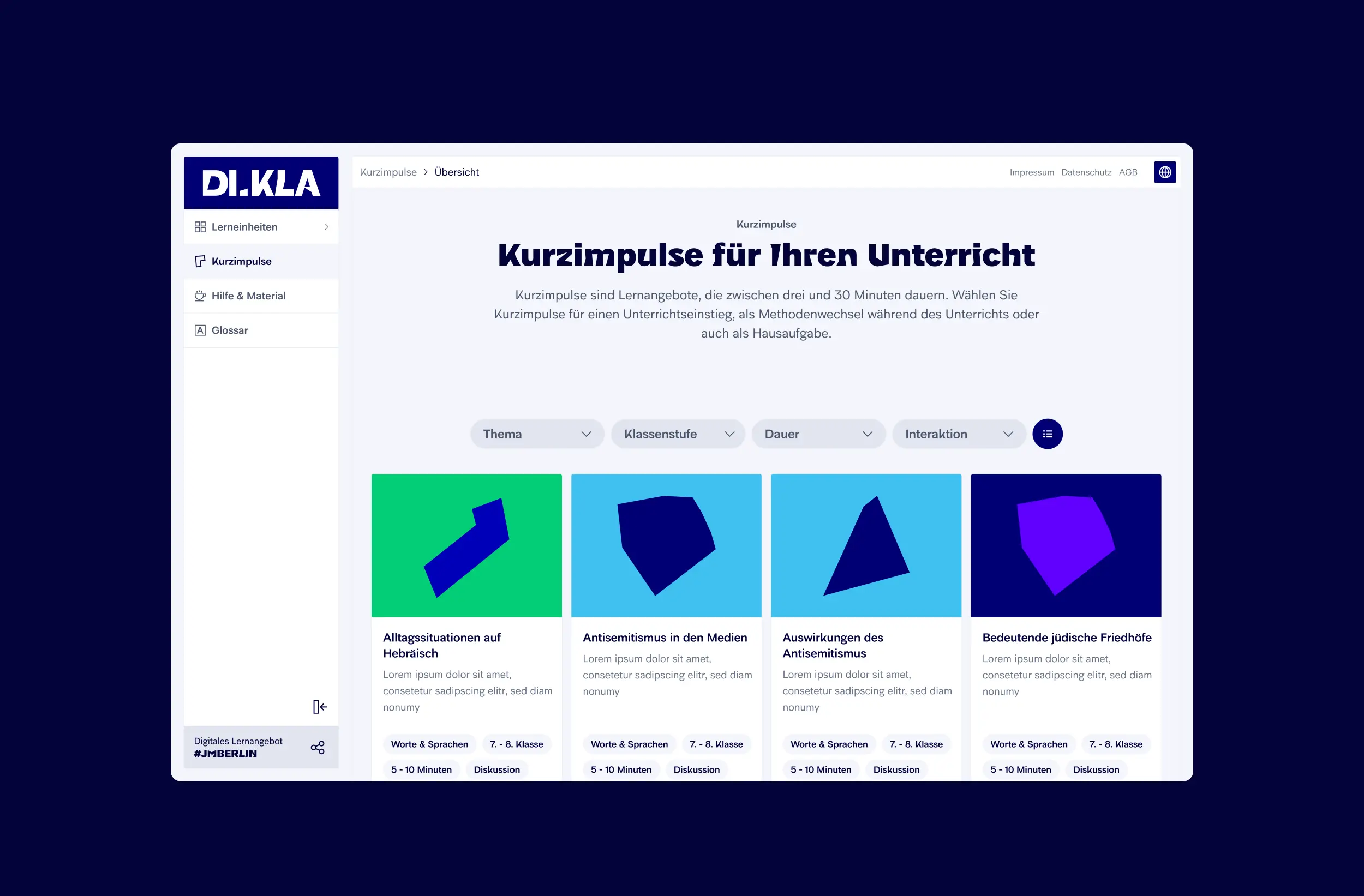
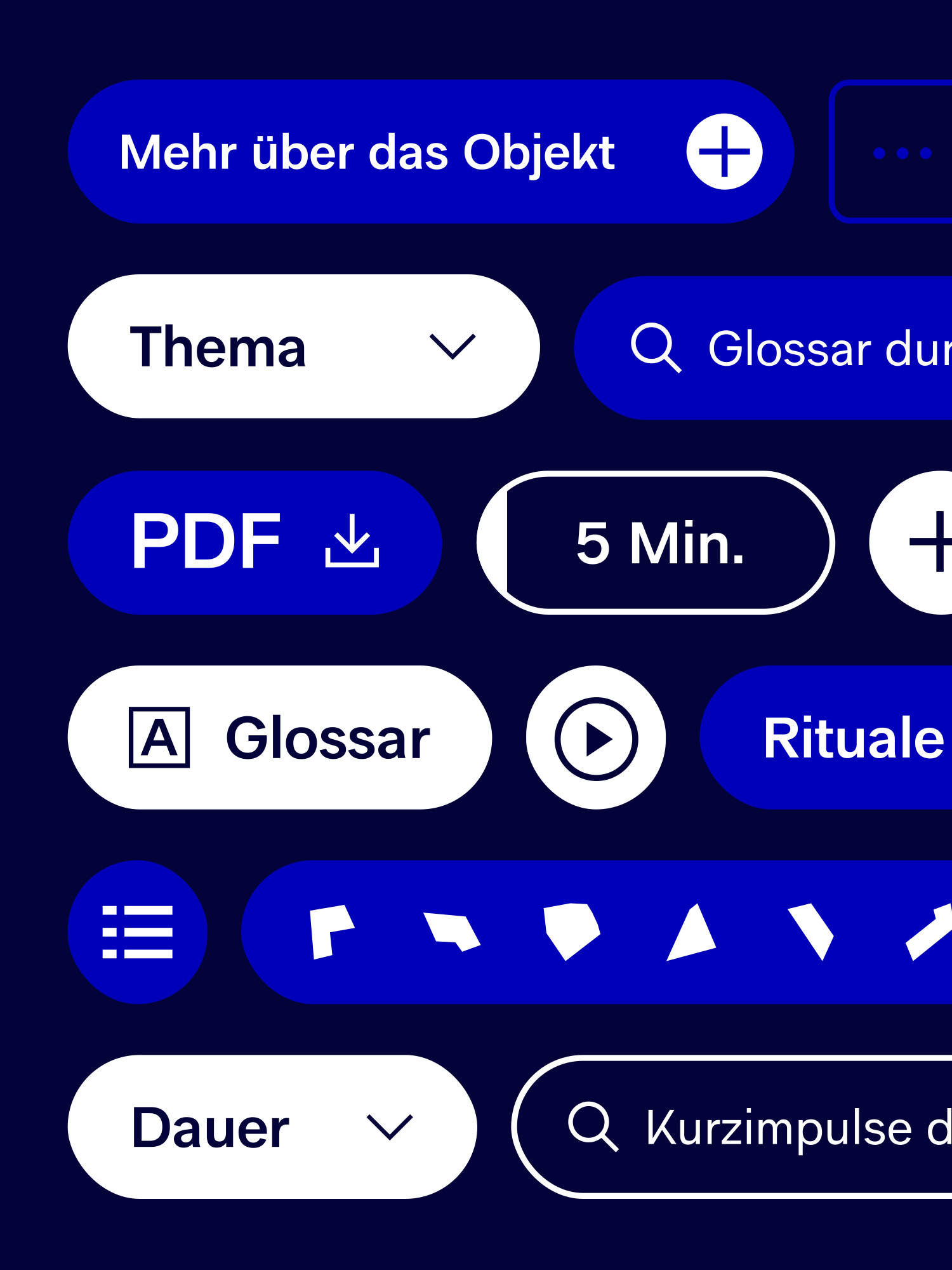
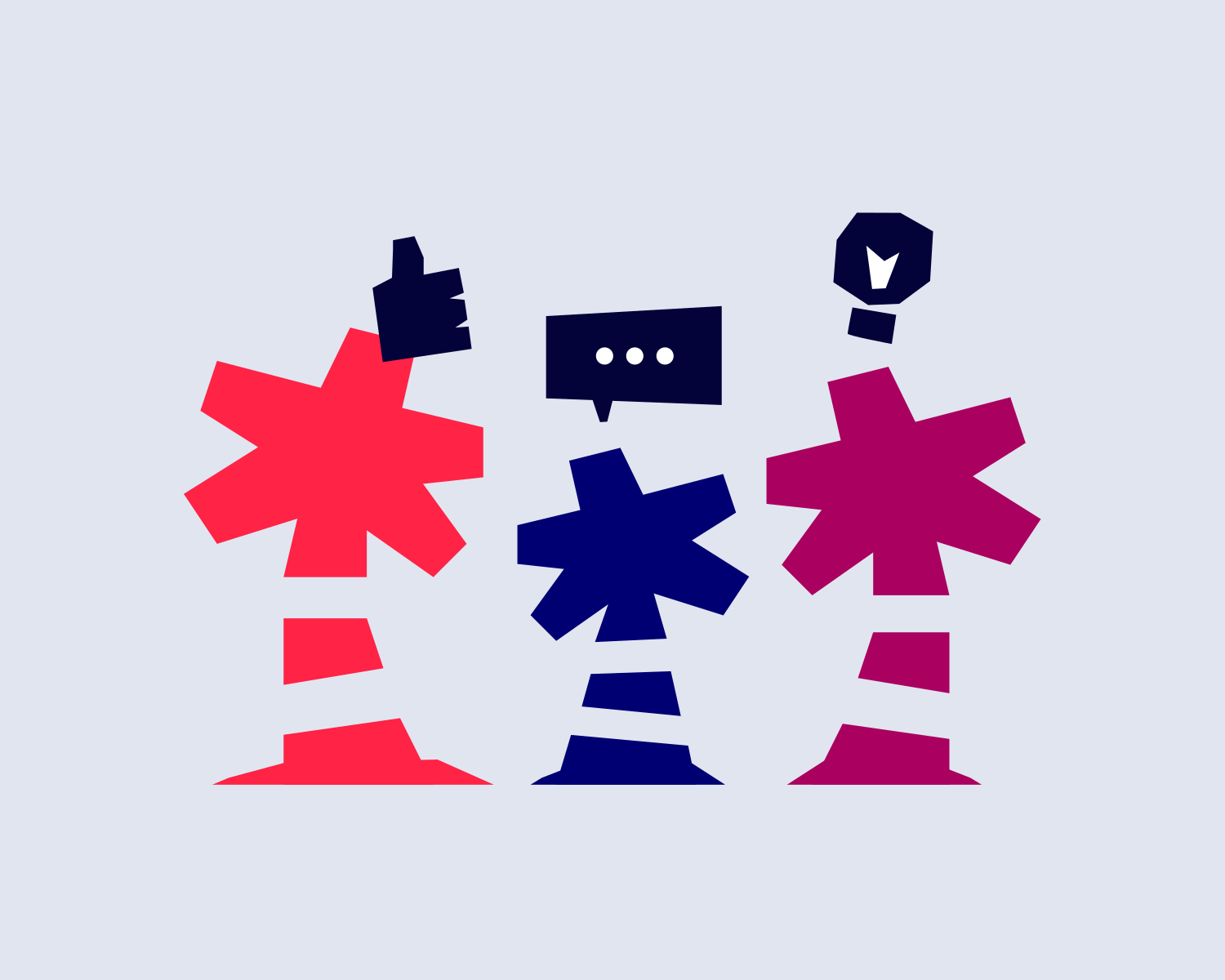
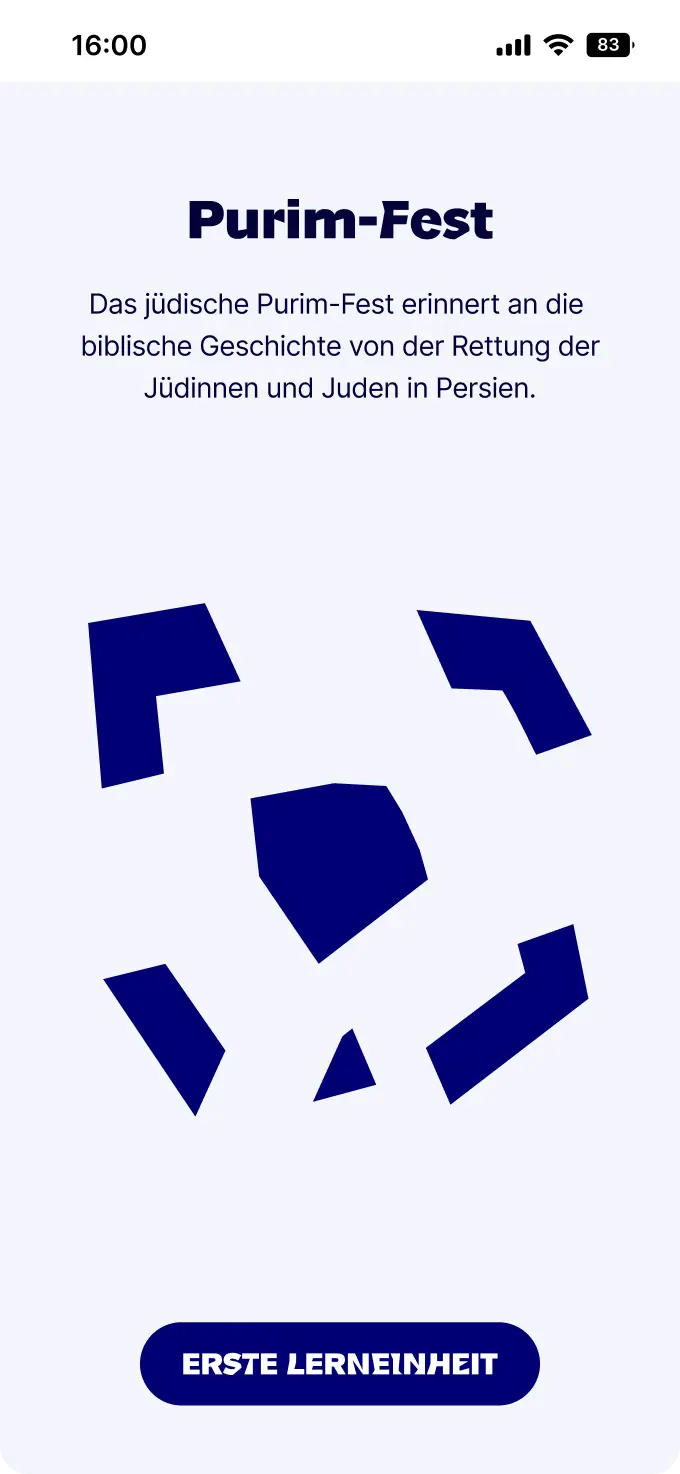
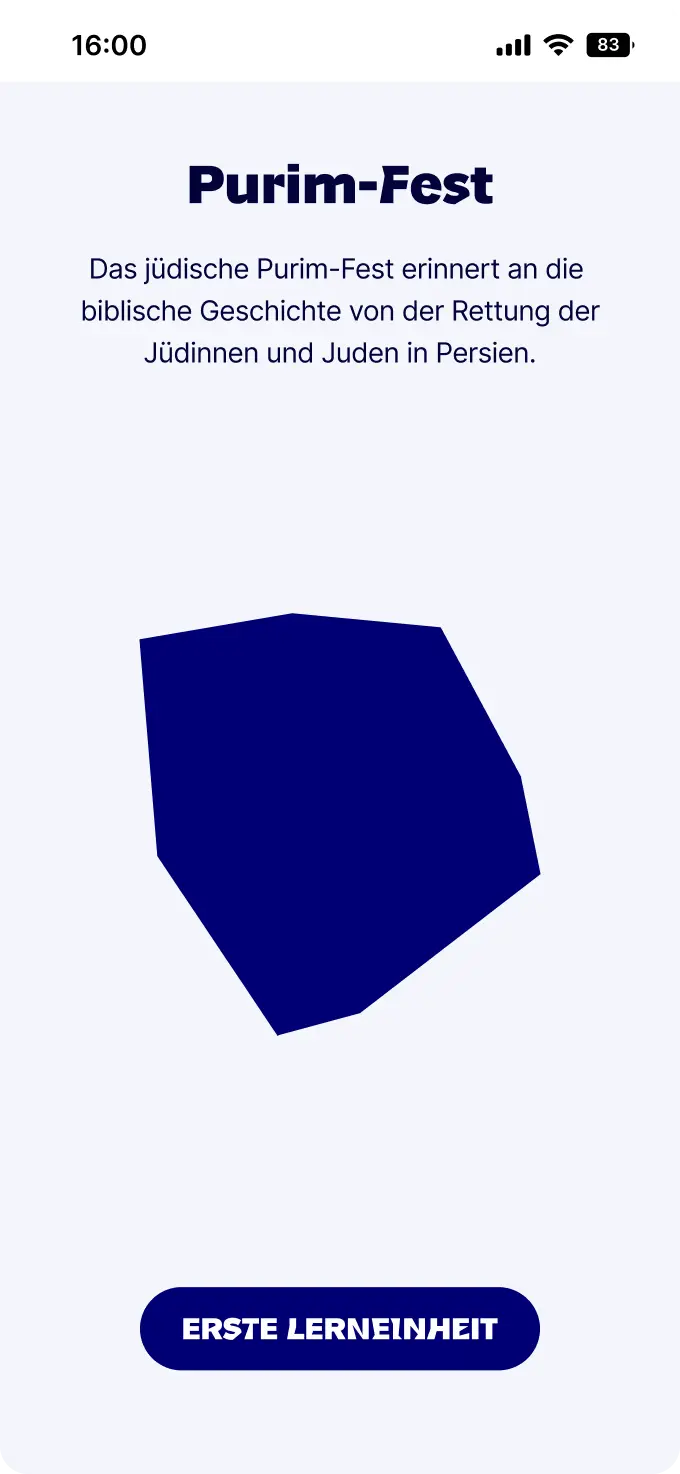
The starting point was the building itself. The broken Star of David in Libeskind's architecture stands for uncertainty and disorientation, but also for belonging. A story we translated into the digital space, in content and in look. Instead of setting a fixed picture, the learning units build on fragments: single modules that open different views and connect to students' lives. From that idea we derived the information architecture and the user journey. From fragment to fragment, until, like a puzzle, a bigger picture comes together. The puzzle works as gamification that motivates people to keep learning. For teachers we designed, in parallel, an interface that fits the working day and makes the right unit quickly findable by filter. Through low- and mid-fidelity prototypes we sharpened the structure, before we tested the high-fidelity prototype with teachers and students.
03 Result
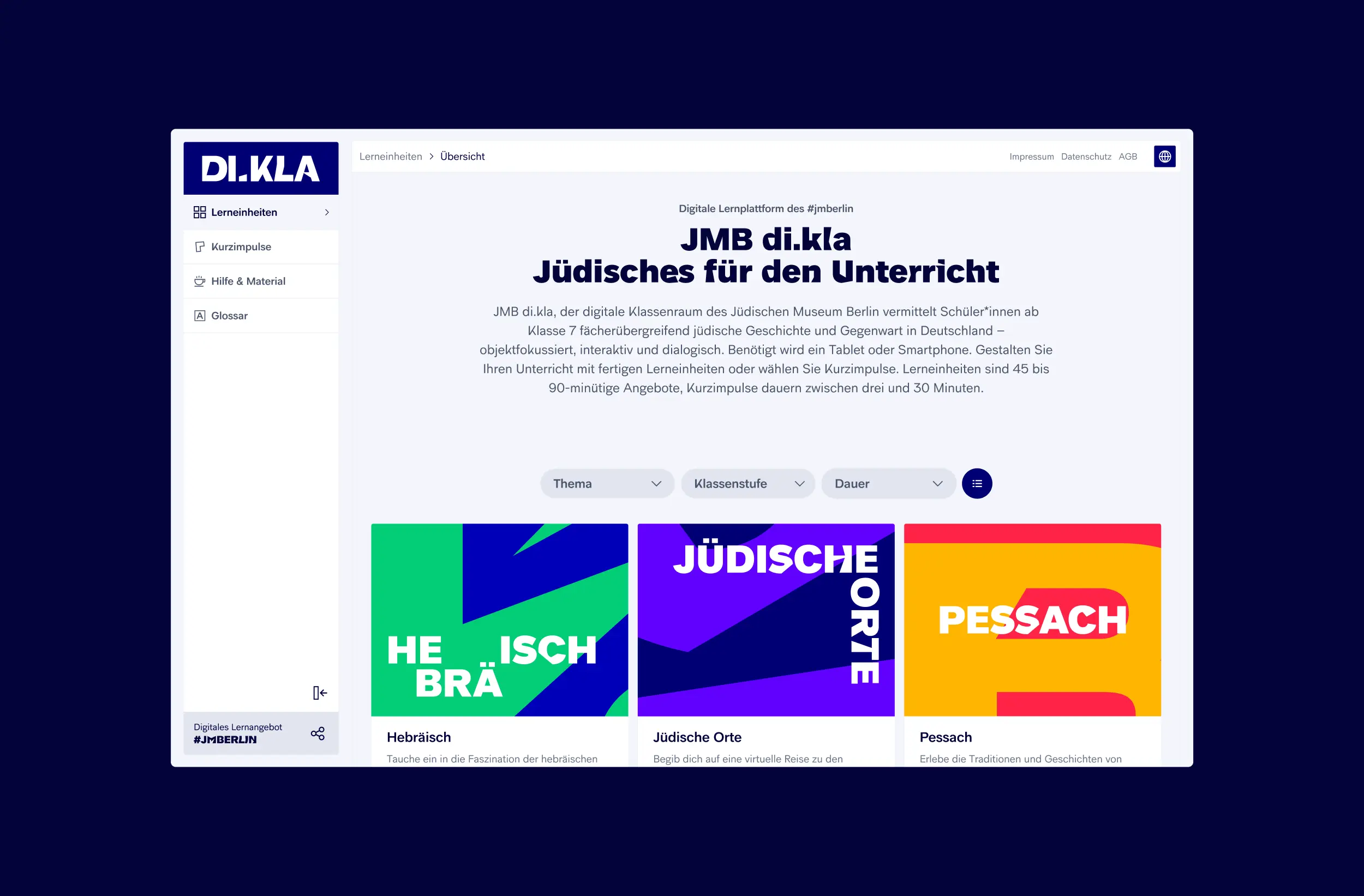
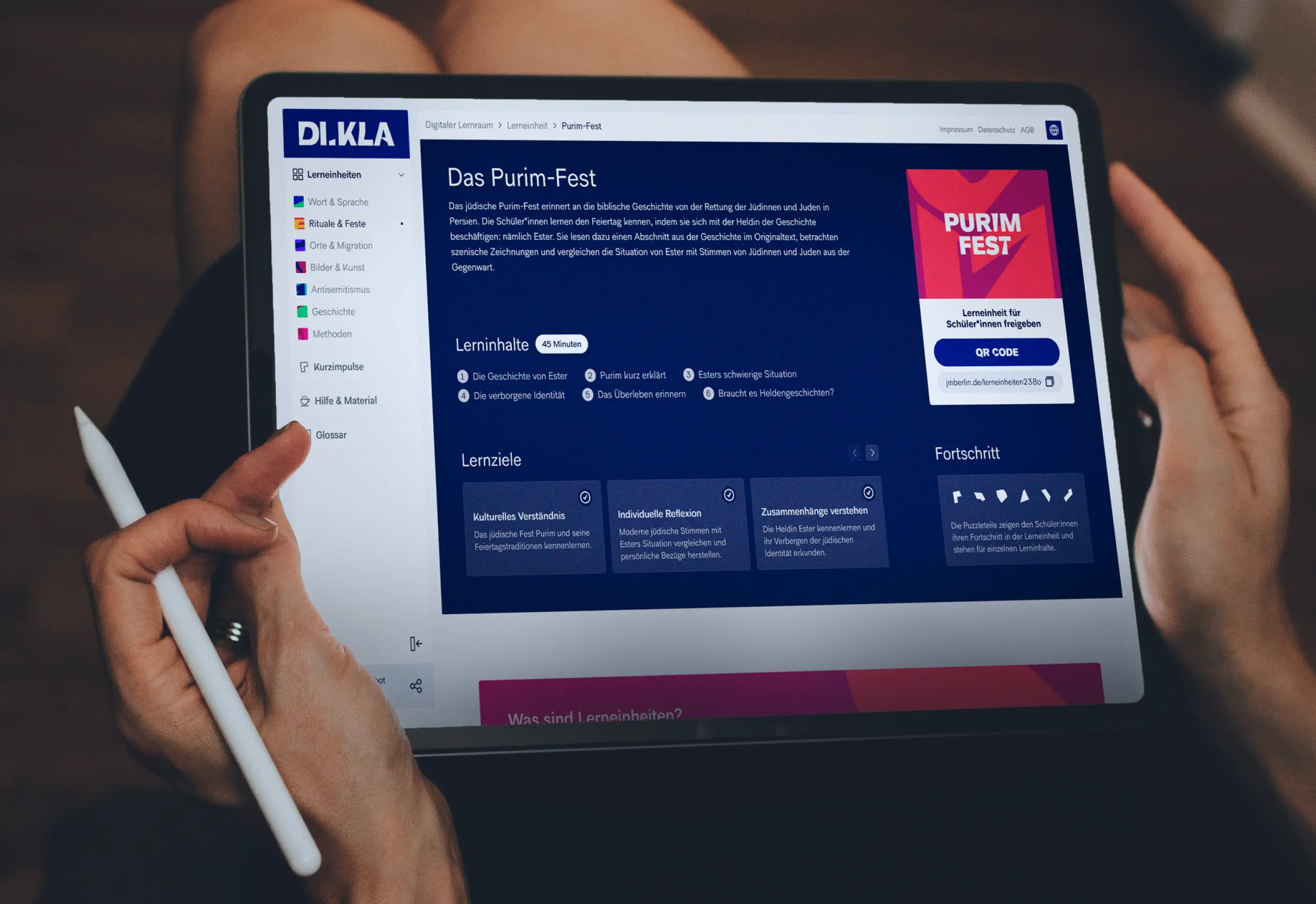
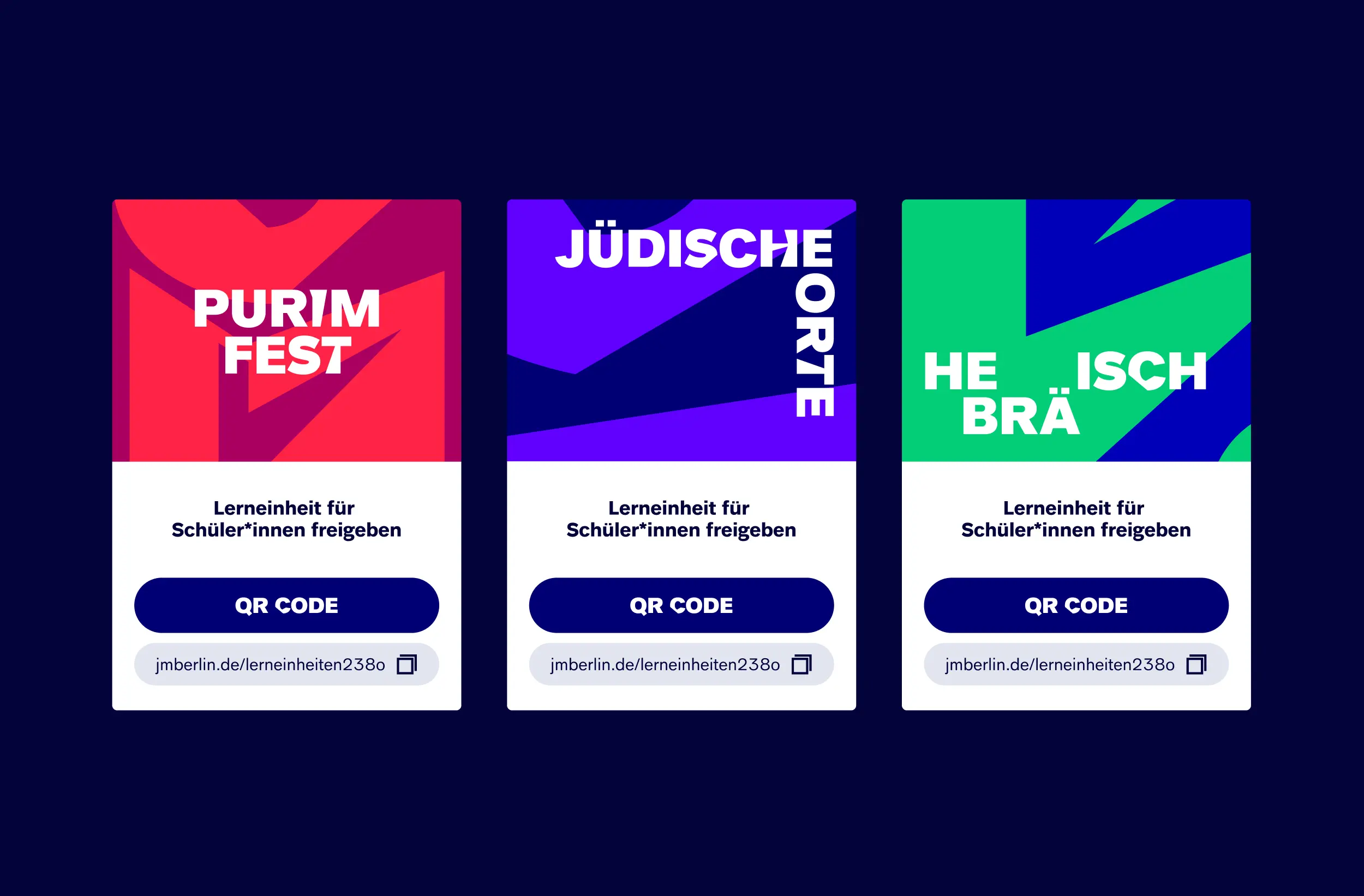
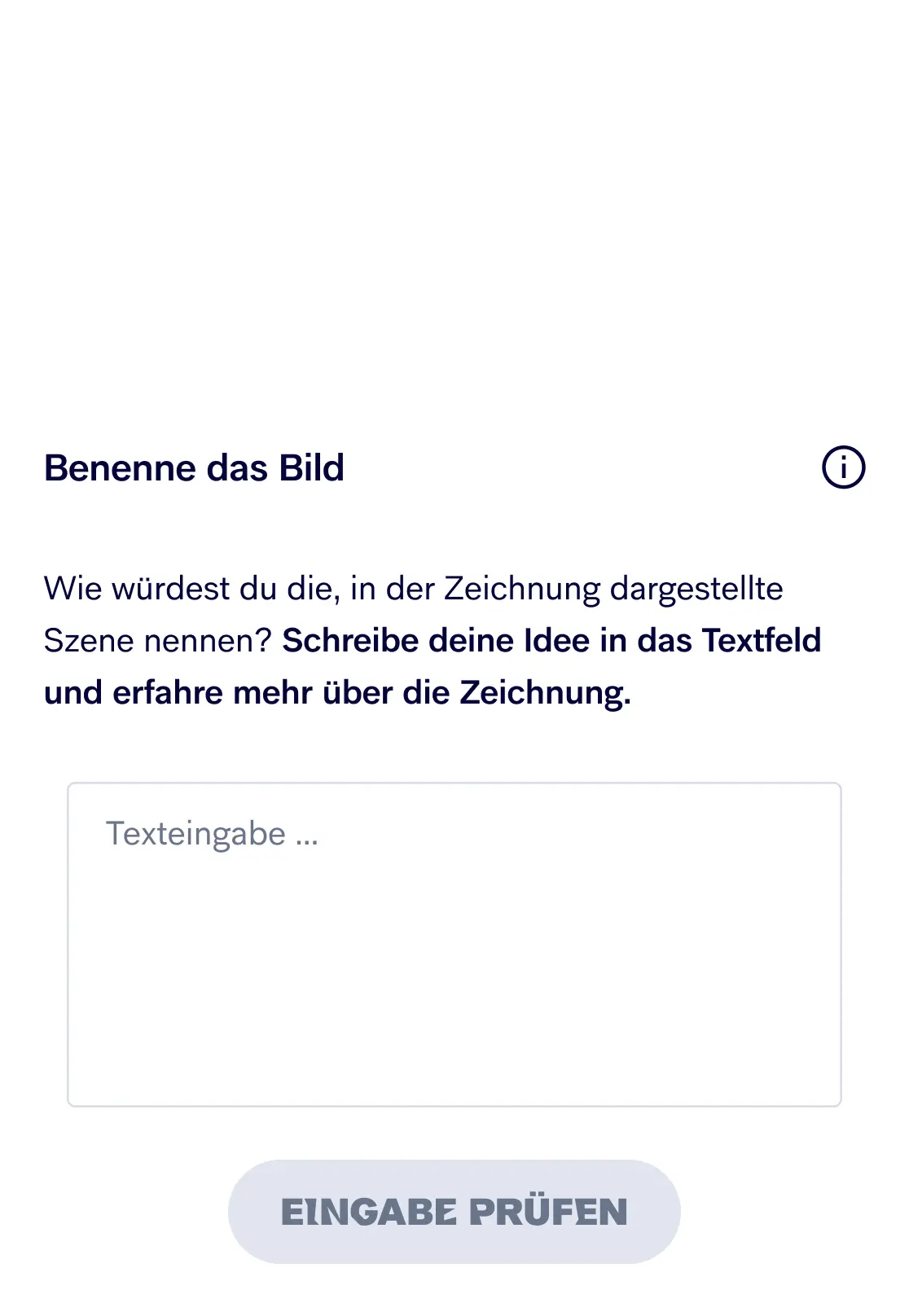
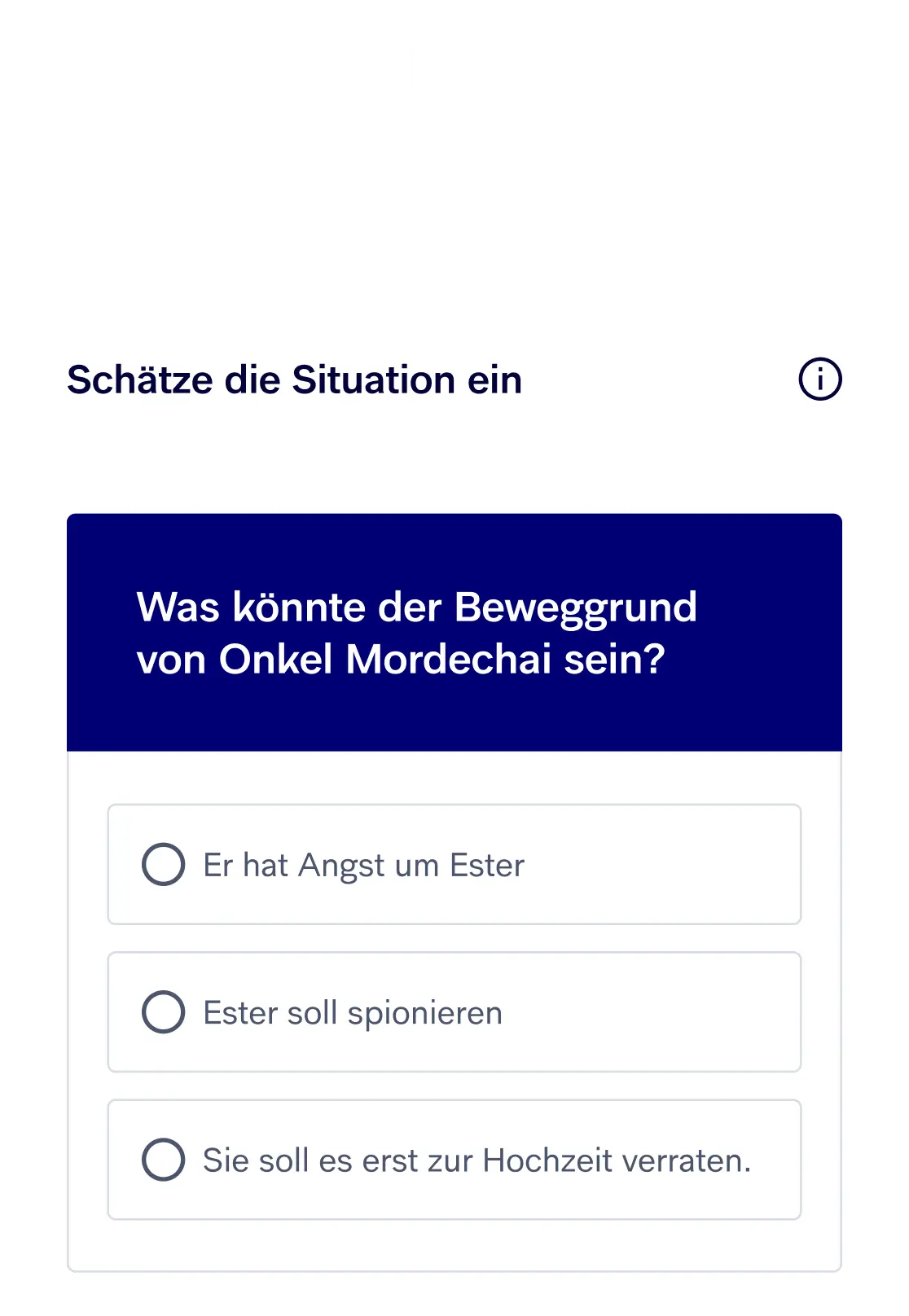
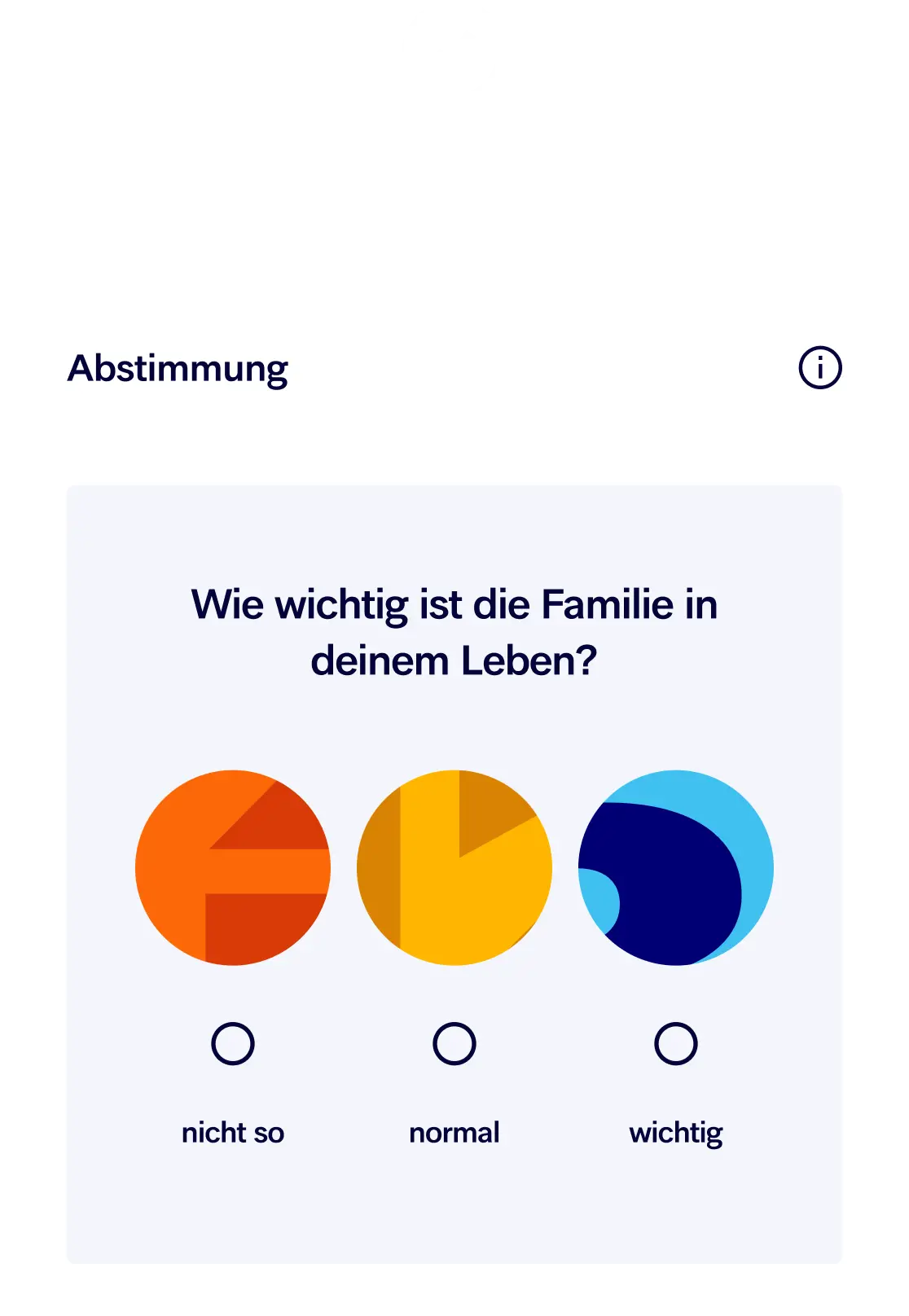
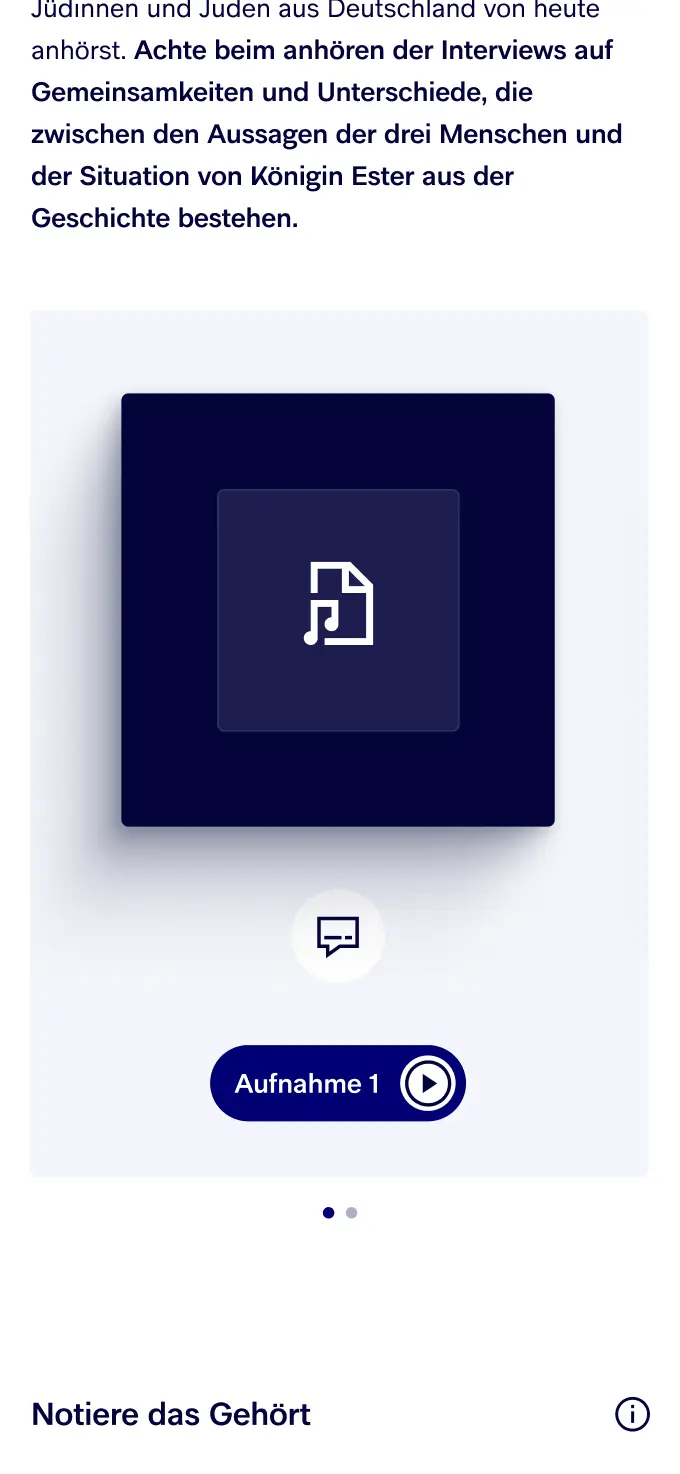
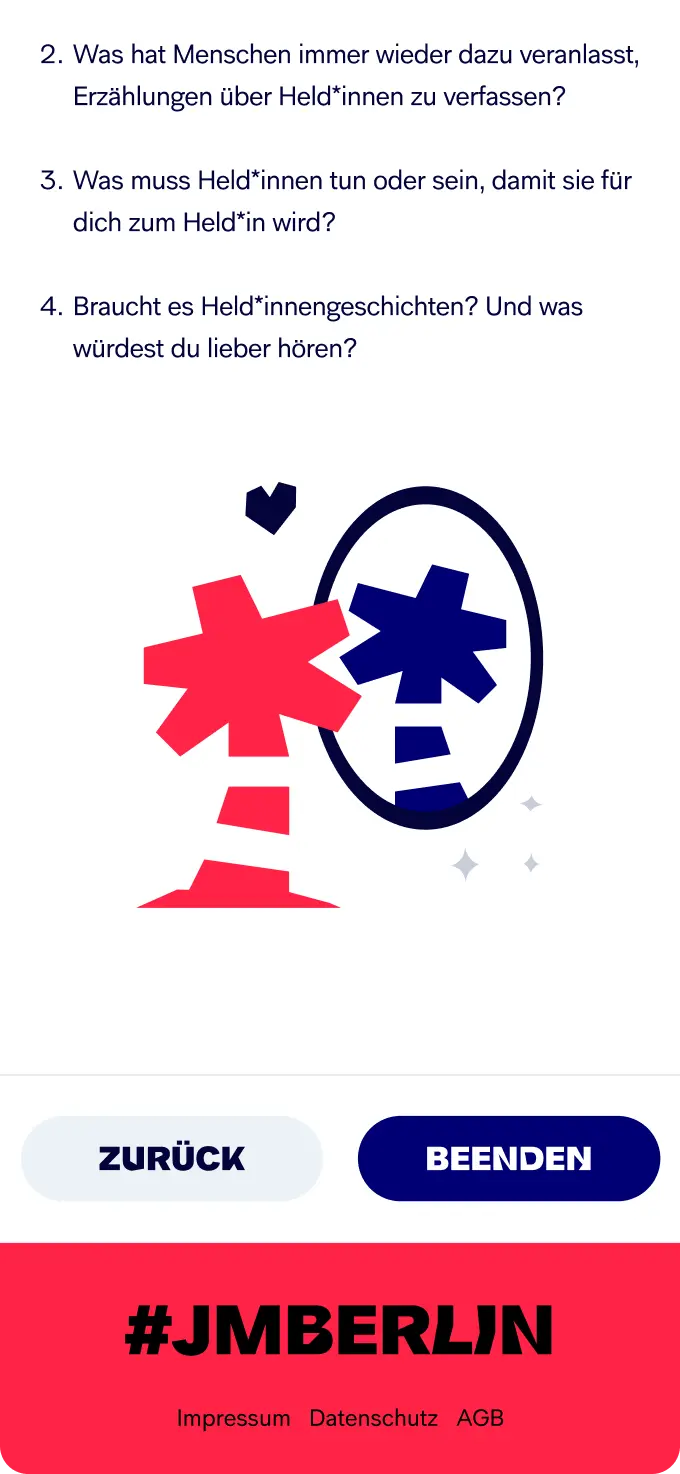
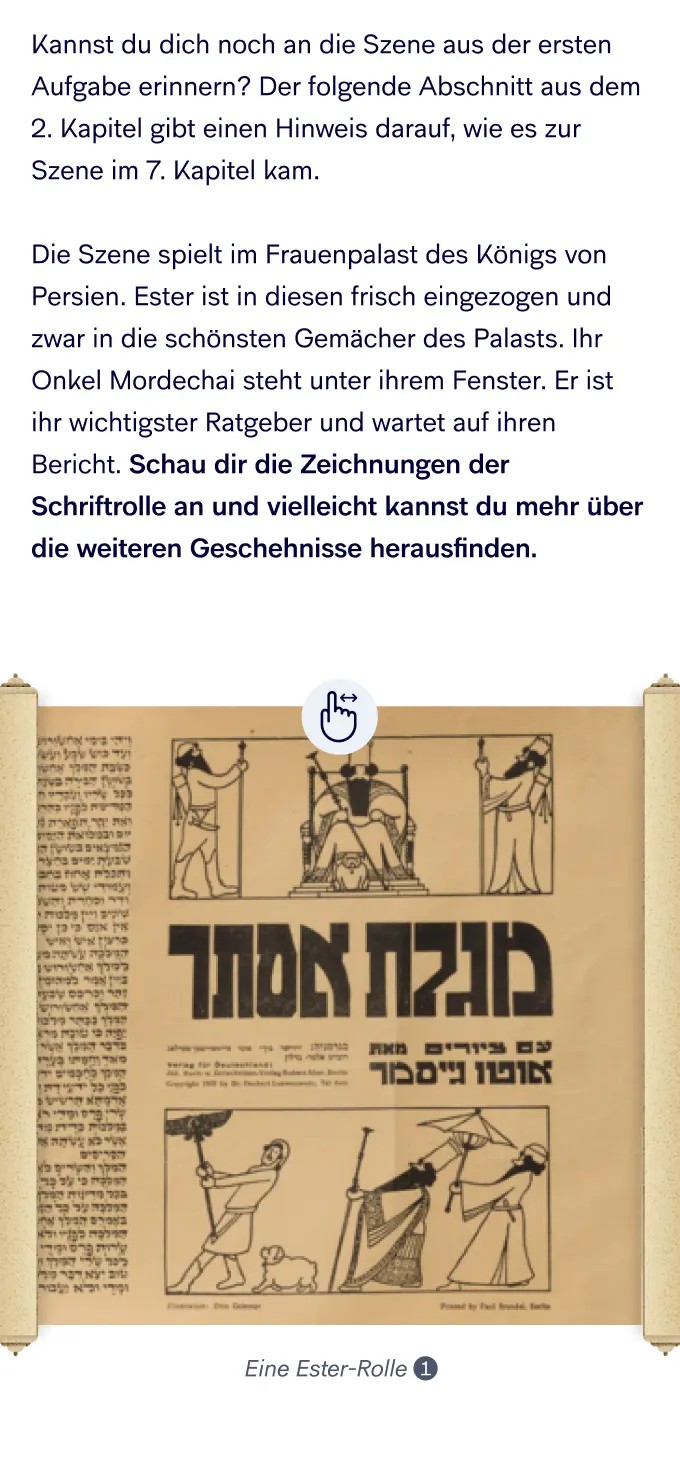
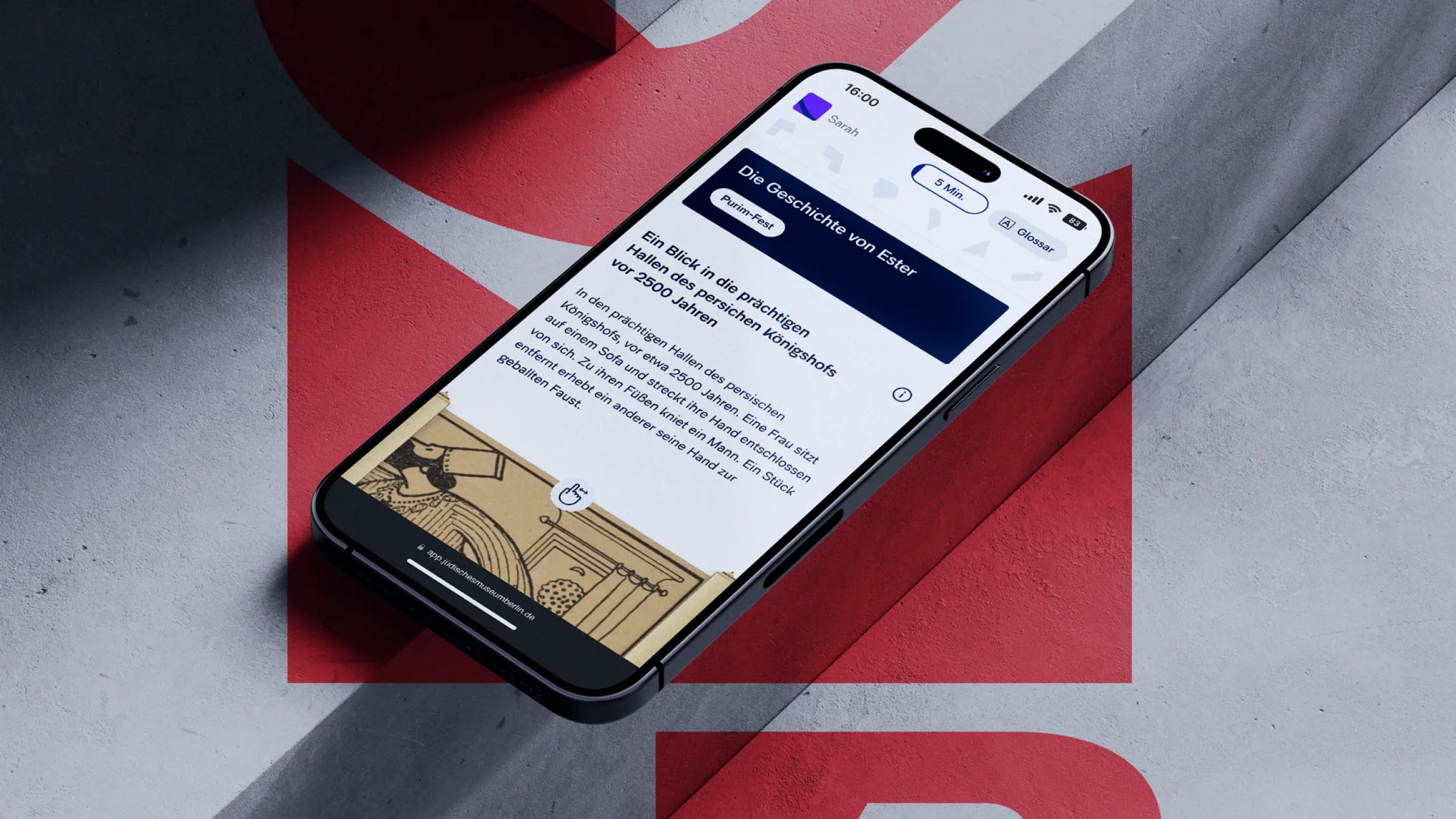
DIKLA went live in 2024 and extends the Jewish Museum Berlin's educational offer well beyond the visit. Through the learning units, students from year 7 get a narrative path into Jewish history and the present. The eight interactive modules are part of those units: their modular build allows individual adjustments without losing the didactic structure, and with one click a unit can be made ready. So DIKLA puts a teaching tool in teachers' hands that they can extend with extra info and tips, and bring into class by link or QR code. From an educational concept came a digital learning space you can actually use, carried by a clear content structure and an interface cut to what teachers need. After spot checks and one-to-one conversations, the museum team confirms: the application works as a full package: design, handling and effect. UX concept, UI design and prototyping came from us, the build from our partner Zum Kuckuck.
Client
Jüdisches Museum Berlin
Industry
Release
Team



Book a call
01 Context
Witnesses fading, antisemitism growing into the classroom, a school day already overloaded: teaching Jewish history and the present is getting harder, not easier. The Jewish Museum Berlin wanted to meet its educational brief also where the museum visit ends. In the lesson itself. From that came DIKLA, the digital classroom: an online learning space that puts finished learning units on Jewish history, culture and the present into teachers' hands. Didactically thought through, available digitally at any time, without an extra hurdle in an already full school day.
02 Method
The starting point was the building itself. The broken Star of David in Libeskind's architecture stands for uncertainty and disorientation, but also for belonging. A story we translated into the digital space, in content and in look. Instead of setting a fixed picture, the learning units build on fragments: single modules that open different views and connect to students' lives. From that idea we derived the information architecture and the user journey. From fragment to fragment, until, like a puzzle, a bigger picture comes together. The puzzle works as gamification that motivates people to keep learning. For teachers we designed, in parallel, an interface that fits the working day and makes the right unit quickly findable by filter. Through low- and mid-fidelity prototypes we sharpened the structure, before we tested the high-fidelity prototype with teachers and students.
03 Result
DIKLA went live in 2024 and extends the Jewish Museum Berlin's educational offer well beyond the visit. Through the learning units, students from year 7 get a narrative path into Jewish history and the present. The eight interactive modules are part of those units: their modular build allows individual adjustments without losing the didactic structure, and with one click a unit can be made ready. So DIKLA puts a teaching tool in teachers' hands that they can extend with extra info and tips, and bring into class by link or QR code. From an educational concept came a digital learning space you can actually use, carried by a clear content structure and an interface cut to what teachers need. After spot checks and one-to-one conversations, the museum team confirms: the application works as a full package: design, handling and effect. UX concept, UI design and prototyping came from us, the build from our partner Zum Kuckuck.
Client
Jüdisches Museum Berlin
Industry
Release
Team
Book a call
Not enough? Ask your AI about us
Let's find out if we're a fit.
Let’s get to know each other and see whether we’re the right fit for your project. From there, we can shape a solution around what you actually need.
Friday, October 9, 2026
1
2
3
4
5
6
7
8
9
10
11
12
13
14
15
16
17
18
19
20
21
22
23
24
25
26
27
28
29
30
31
10:30
11:30
14:30
15:30
16:30
17:30
Let's find out if we're a fit.
Let’s get to know each other and see whether we’re the right fit for your project. From there, we can shape a solution around what you actually need.
Friday, October 9, 2026
1
2
3
4
5
6
7
8
9
10
11
12
13
14
15
16
17
18
19
20
21
22
23
24
25
26
27
28
29
30
31
10:30
11:30
14:30
15:30
16:30
17:30